English
Cherry MX2A Black vs Blue vs Brown vs Red – Which MX2A Switch Is Right for You?

Cherry MX2A is the modern update to Cherry’s classic MX lineup. The four core variants — MX2A Black, Red, Brown, and Blue — share the same upgraded MX2A construction, but differ clearly in weight, feedback, and sound profile. Want a quick decision guide? You’re in the right place.
Quick choice guide
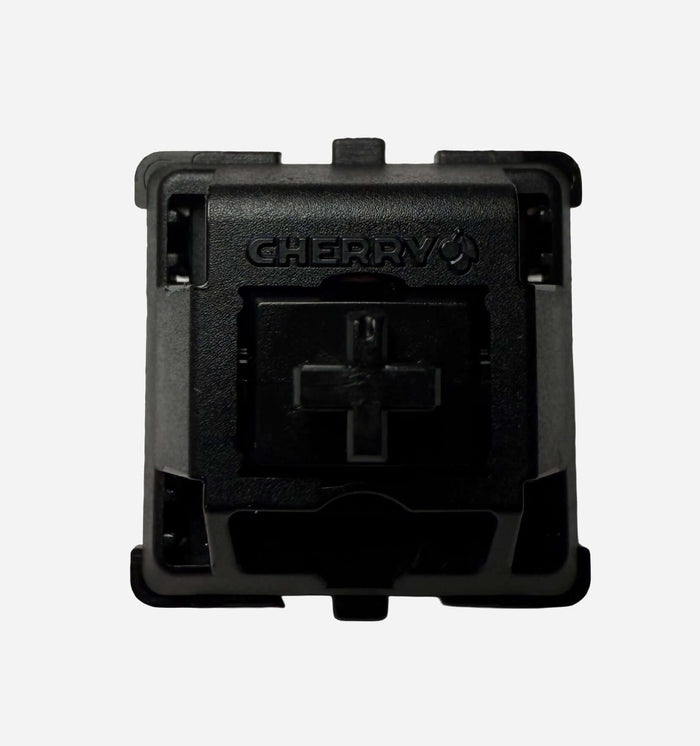
- MX2A Black → heavy linear, high control, deeper keypress feel
- MX2A Red → light linear, fast and accessible
- MX2A Brown → mild tactile bump, calm all-round profile
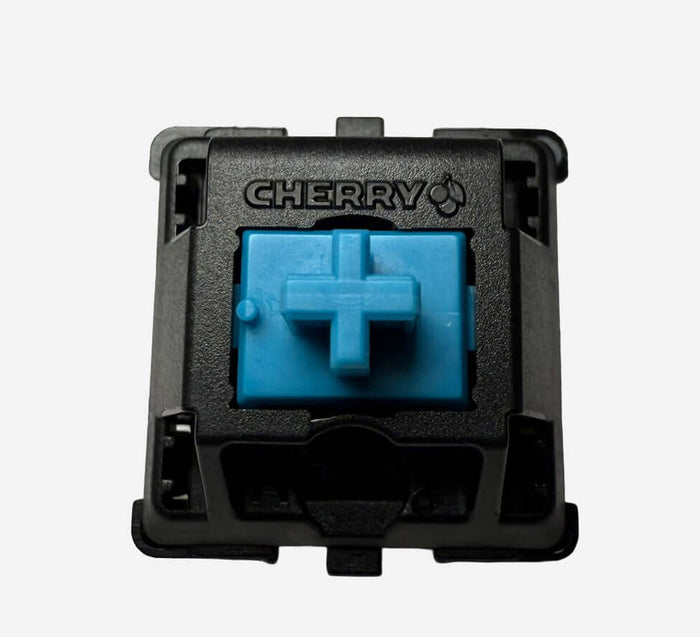
- MX2A Blue → clicky, audible feedback, typewriter vibe
1. What’s new in MX2A?
- Improved rail guidance for lower friction and more stable travel
- Subtle factory lubrication for a smoother out-of-box feel
- Optimized spring finish for more consistent behavior and less noise
Result: in real use, MX2A often feels smoother, quieter, and more consistent than older MX generations.
2. Technical specs per switch
Cherry MX2A Black
- Type: Linear (no bump, no click)
- Actuation: approx. 60 cN
- Bottom-out: approx. 80 cN
- Pre-travel: 2.0 mm
- Total travel: 4.0 mm
- Character: heavy, controlled, deep linear keystroke
Cherry MX2A Red
- Type: Linear (light and smooth)
- Actuation: approx. 45 cN
- Bottom-out: approx. 55–60 cN
- Pre-travel: 2.0 mm
- Total travel: 4.0 mm
- Character: light, fast, classic Cherry linear feel in a more modern tuning
Cherry MX2A Brown
- Type: Tactile (mild bump, no click)
- Actuation: approx. 45 cN
- Bottom-out: approx. 55–60 cN
- Pre-travel: 2.0 mm
- Total travel: 4.0 mm
- Character: subtle feedback, calm and comfortable for long sessions
Cherry MX2A Blue
- Type: Clicky (tactile bump + audible click)
- Actuation: approx. 60 cN
- Bottom-out: approx. 60–65 cN
- Pre-travel: 2.0 mm
- Total travel: 4.0 mm
- Character: pronounced click, clear feedback on every keypress
3. Comparison in one table
| Switch | Type | Sound | Feel | Ideal for |
|---|---|---|---|---|
| Cherry MX2A Black | Linear | Deeper, more muted | Heavy and controlled | Heavy typers, maximum control |
| Cherry MX2A Red | Linear | Soft, relatively quiet | Light, smooth, accessible | Gaming, all-round daily use |
| Cherry MX2A Brown | Tactile | Soft, non-clicky | Mild bump, comfortable travel | Work/study, mixed typing + gaming |
| Cherry MX2A Blue | Clicky | Clearly audible click | Pronounced bump + click | Typists who want audible feedback |
4. Which one fits you?
- Choose MX2A Black if you want a heavier keypress with fewer accidental presses.
- Choose MX2A Red if you want light, fast typing/gaming without tactile feedback.
- Choose MX2A Brown if you want subtle feedback but no click sound.
- Choose MX2A Blue if you specifically want clear, audible click feedback.
5. Where to buy
- Cherry MX2A Black – search at RGBKeys
- Cherry MX2A Red – search at RGBKeys
- Cherry MX2A Brown – search at RGBKeys
- Cherry MX2A Blue – search at RGBKeys
Conclusion
The Cherry MX2A series offers a strong base switch for nearly every preference: heavy linear (Black), light linear (Red), mild tactile (Brown), or clicky (Blue). What they all share is the same modern MX2A refinement: more smoothness, better consistency, and a cleaner overall feel.
Want to be sure which one is your favorite? Ideally test two opposite ends of the spectrum (for example Red vs Brown or Black vs Blue) and build your perfect daily driver from there.
Also check the full Switch Collection at RGBKeys for more linear, tactile, clicky, and silent options.
Products from this article
View the products mentioned in this blog.