English
Cherry MX Black (MX1A) vs Cherry MX2A Black – Classic Heavy Linear vs Modern MX2A Upgrade

Trying to choose between the Cherry MX Black (MX1A) and the Cherry MX2A Black? You’re comparing the same heavy linear foundation, but with a clear difference in finish and consistency.
The MX1A usually feels rougher and more classic (especially stock), while the MX2A comes across as smoother, quieter, and tighter thanks to improved rails, updated spring geometry, and factory lube.
In this comparison, we translate the specs into real-world use, so you can immediately understand what your fingers and ears will notice in your own build.
Quick answer (if you want to decide fast)
MX1A Black = old-school, heavy linear with more raw edges and strong mod potential. MX2A Black = same weight class, but more modern: smoother, more consistent, and calmer in sound.
1. Where exactly do you feel the difference?
- Rail friction: how much resistance you feel during travel. MX1A can feel scratchier in stock form; MX2A is often more even thanks to improved guidance.
- Switch-to-switch consistency: how uniform each switch feels across the board. MX2A usually scores better for consistent feel/sound across the full keyboard.
- Bottom-out character: how the key feels when it hits the floor. Both are firm/heavy, but MX2A often sounds slightly cleaner and less raw.
- Stock vs tuning: how much you gain from mods. MX1A often benefits a lot from lube/films; MX2A starts out more refined out of the box.
2. Technical specs (with meaning)
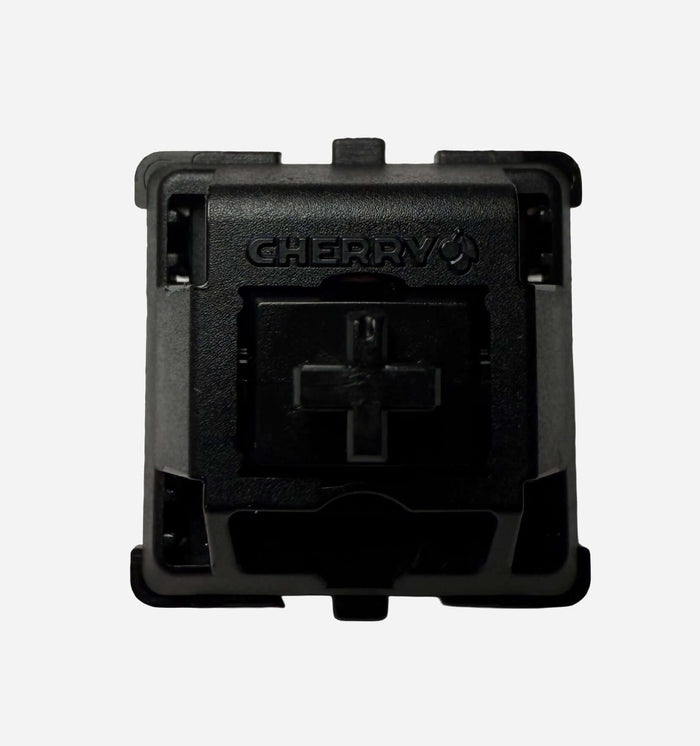
Cherry MX Black (MX1A)
- Type: Linear
- Actuation: approx. 60 cN (force at key registration)
- Bottom-out: approx. 80 cN (force at full press)
- Pre-travel: approx. 2.0 mm
- Total travel: approx. 4.0 mm
- Housing: Nylon top & bottom
- Stem: POM
- Lifespan: up to approx. 100M actuations (variant-dependent)
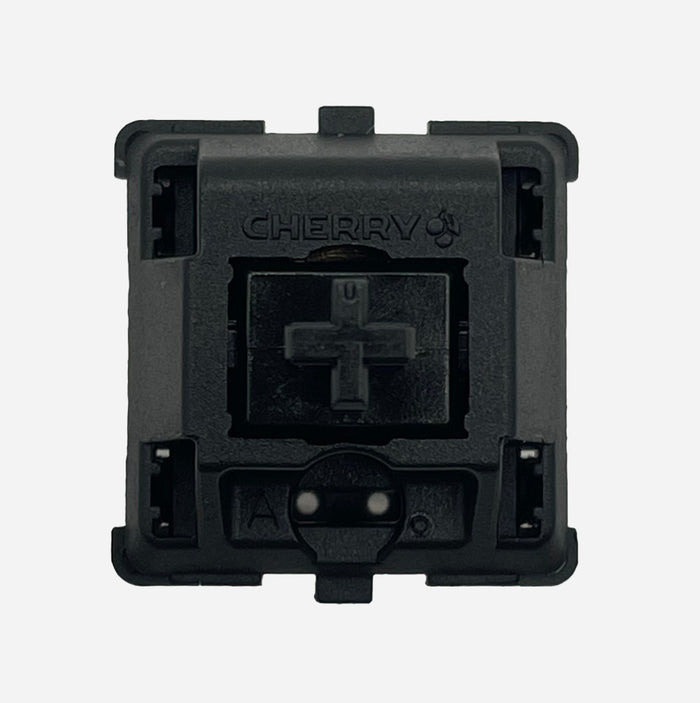
Cherry MX2A Black
- Type: Linear
- Actuation: approx. 60 cN
- Bottom-out: approx. 80 cN
- Pre-travel: approx. 2.0 mm
- Total travel: approx. 4.0 mm
- Housing: MX2A housing with optimized rail geometry
- Stem: POM with improved guidance
- Lifespan: up to approx. 100M actuations
Important: on paper, the core numbers look almost identical, but internal friction, tolerances, and factory finishing create the real-world difference.
3. Real-world comparison: what do you actually feel and hear?
| Aspect | Cherry MX Black (MX1A) | Cherry MX2A Black |
|---|---|---|
| First impression | Classic, solid, slightly rougher stock feel | Solid, but immediately smoother/tighter |
| Overall resistance | Heavy | Heavy |
| Travel feel | Higher chance of light scratch | More uniform, less friction feel |
| Bottom-out | Solid, classic Cherry | Solid, slightly cleaner/more focused |
| Sound profile | Slightly higher, rawer “clack” | Deeper/calmer, more consistent per key |
| Best match | Purists & modders | Heavy-linear fans who want convenience |
4. Sound profile in plain language
- MX1A “classic/raw”: recognizable Cherry sound with more texture and sometimes extra sharpness in stock form.
- MX2A “clean/controlled”: calmer and tighter, with fewer rattle/scratch-like side noises.
- Case/plate effect: alu + stiff plate highlights sharpness differences; softer mounts + thicker caps pull both deeper.
5. Community impressions in context
- “MX1A is great after lube” = classic heavy linear with lots of potential, but usually less refined stock.
- “MX2A feels like an updated Black” = same weight/character, but more modern in smoothness and uniformity.
- “Both are still heavy” = the main difference is in finishing, not in overall weight feel.
6. Gaming vs typing: practical advice
- For controlled, deliberate input: both work well thanks to the heavy profile.
- For long sessions without much tuning: usually MX2A Black.
- For old-school Cherry fans + self-modding: usually MX1A Black.
7. Modding: what do you gain?
- Light lube: often a major gain on MX1A for both smoothness and sound.
- Spring swap: lighter = less fatigue; heavier = even more control.
- Films (if needed): can tighten housing sound, especially on older/rougher batches.
8. When should you pick which one?
- Pick Cherry MX Black (MX1A) if you want the classic, raw Cherry feel and enjoy tuning yourself.
- Pick Cherry MX2A Black if you want a more modern, smoother, and more consistent heavy linear that already performs strongly in stock form.
9. Where to buy
- Cherry MX Black (MX1A) – search at RGBKeys
- Cherry MX2A Black – search at RGBKeys
- Browse all switches at RGBKeys
Conclusion
This is mainly a choice between classic character and modern refinement. MX1A Black is the old-school heavy linear with strong mod potential and that nostalgic Cherry signature. MX2A Black keeps that heavy foundation, but feels cleaner, calmer, and more consistent out of the box.
Once you know whether you prefer “vintage raw” or “modern tuned” typing feel, the choice is usually straightforward.
Products from this article
View the products mentioned in this blog.